
Rumpelstiltskin Dance GIF Maker
Create the directed dance as a private MP4, then keep a shorter silent loop for quick reactions, messages and visual replies.
Why create both an MP4 and a GIF?
The MP4 preserves the complete directed performance and is the better source for sound, editing and full-length posts. The GIF isolates a compact movement highlight and repeats it without playback controls.
Both exports share the same performer, optional witness and framing. You make the casting decision once; the conversion happens after the video source is ready.
The loop is intentionally lighter and faster. It is not a second AI generation and does not reserve another video.
Choose the cast and frame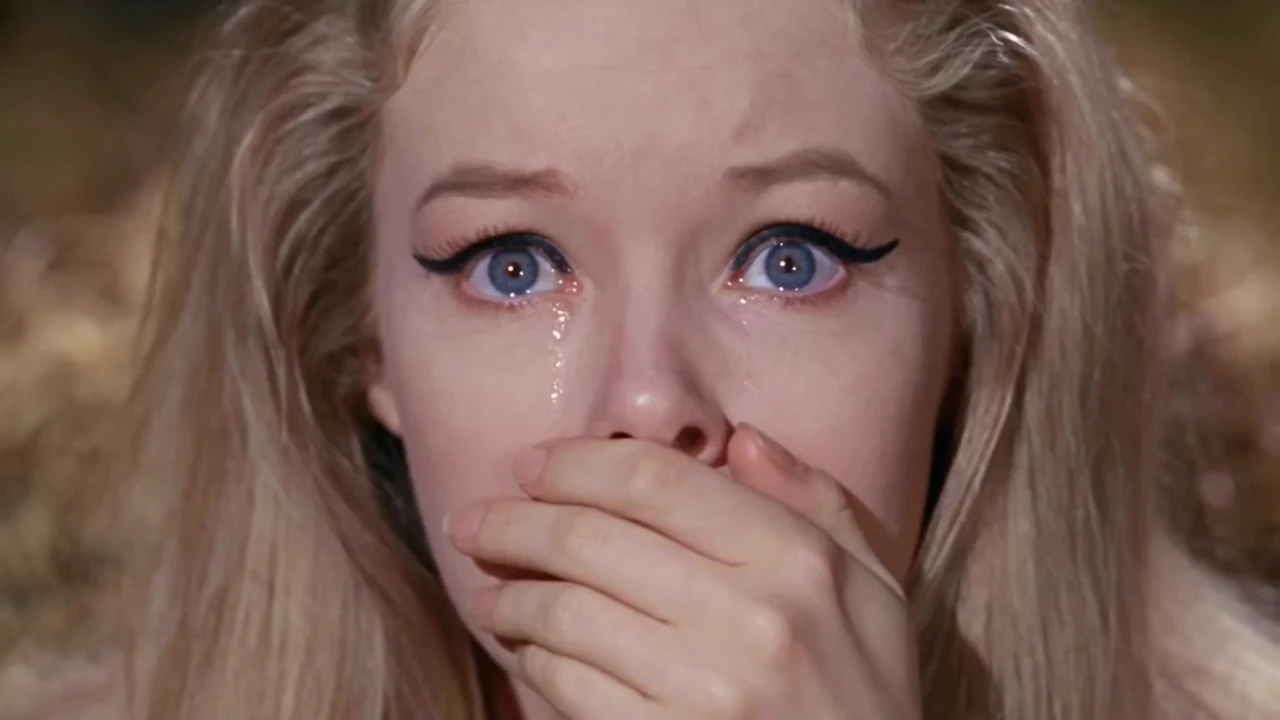
- MP4
- Complete 10-second source
- GIF
- Short highlighted loop
- Charge
- One video reservation
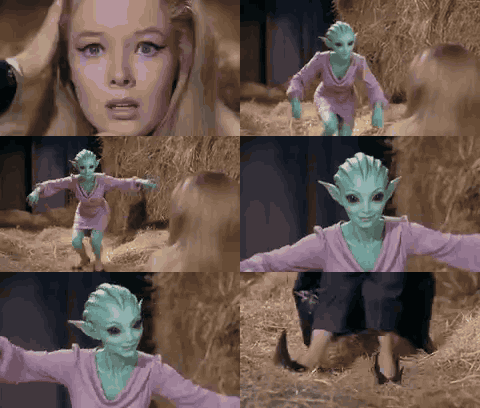
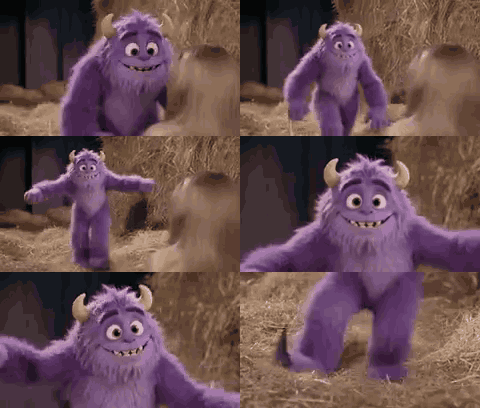
Rumpelstiltskin dance loop examples
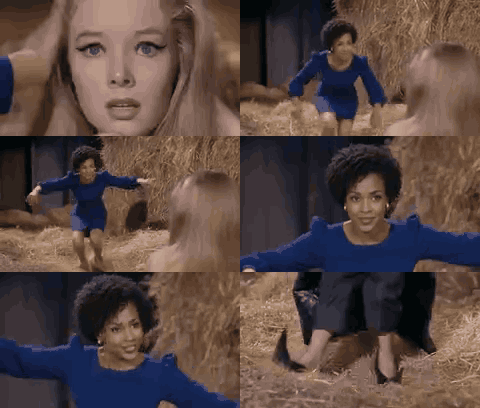
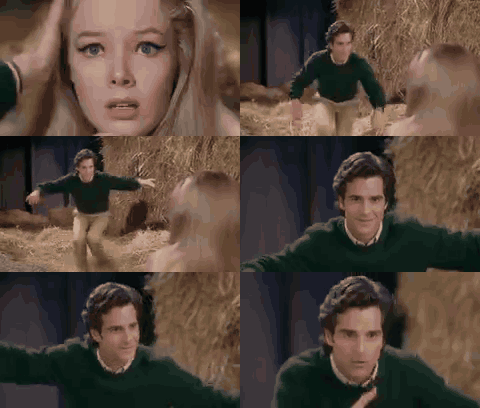
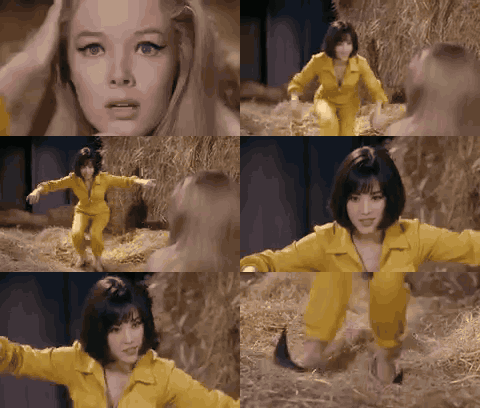
Watch how costume shape, face design and color remain readable when the dance is compressed into a short repeating moment.
Poised blue-dress loopCompact silent loopDownload example GIF Green-sweater character loopCompact silent loopDownload example GIF Bright-costume loopCompact silent loopDownload example GIF Storybook creature loopCompact silent loopDownload example GIF Animated monster loopCompact silent loopDownload example GIF
Create the source, then keep the loop
The GIF workflow follows the same private casting and queue rules as the main dance generator.
- 01
Upload the role references
Add a clear performer portrait and an optional second portrait for the witness.
- 02
Choose wide or vertical
Select the composition before the queued dance is created.
- 03
Download either export
Keep the complete MP4 for video work and the silent GIF for quick repeating reactions.
MP4 source versus silent loop
| File | Length | Audio | Best for |
|---|---|---|---|
| MP4 | 10 seconds | Video track available | Full posts, editing and archive |
| GIF | Short highlighted loop | Silent | Chats, reactions and image-led embeds |
- 16:9
- Preserves more room and two-character staging.
- 9:16
- Keeps the lead larger in a narrow repeating frame.
Prefer the full dance generator? Start from the homepage for the 12-second MP4 workflow.
Use the same one-time video packs
One successful job supplies both files and uses one video from the selected pack.
1-video pack
Create one finished performance from your selected cast.
$9.90 per video
Choose 1 videoNo subscription- Directed MP4 source
- Silent GIF conversion included
- Wide or vertical framing
- Failed jobs restore the video
3-video pack
Compare three portraits, costumes or framing ideas.
$6.63 per video
Choose 3 videosNo subscription- Directed MP4 source
- Silent GIF conversion included
- Wide or vertical framing
- Failed jobs restore the video
5-video pack
Prepare a larger set of character-led dance variations.
$5.98 per video
Choose 5 videosNo subscription- Directed MP4 source
- Silent GIF conversion included
- Wide or vertical framing
- Failed jobs restore the video
Rumpelstiltskin dance GIF questions
What does the GIF maker deliver?
One accepted job creates a 10-second MP4 source and a shorter silent GIF loop. Both files use the same cast and selected aspect ratio.
Why is the GIF silent?
The GIF format has no audio track. Keep the MP4 when sound matters, and use the GIF for quick visual reactions or image-first chat platforms.
Does the loop use another video from my pack?
No. The MP4 and GIF belong to one generation and reserve only one video. A technical failure restores that reservation.
Can the witness use a second portrait?
Yes. The first portrait always casts the dancer; the optional second portrait casts the seated witness and reaction shot.
Which ratio works best for a reaction loop?
Choose 9:16 when the performer should fill a phone screen, or 16:9 when the room and two-character spacing are part of the joke.
How large is the GIF?
The export uses a shorter highlighted section, reduced frame rate and mobile-minded compression. Exact file size varies with motion, colors and aspect ratio.